Create a note
Click + New Note in the sidebar to open the note editor. You can also create directly from the Schedule page.
The editor
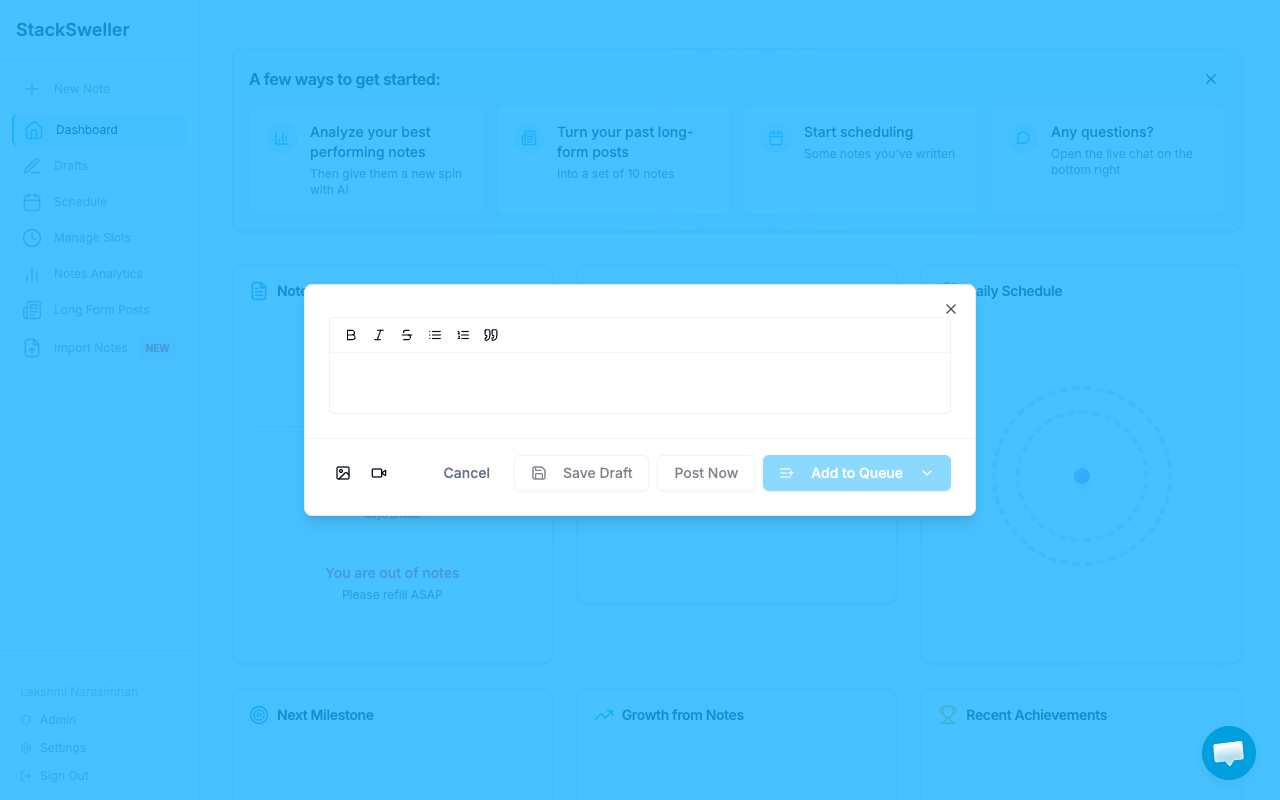
The editor supports:
- B, I,
Sinline formatting - Bullet and numbered lists
- Blockquotes
- Image and video attachments (icons at the bottom left)
Writing vs generating
Write manually, or click Generate with AI to let Claude draft the note for you. See Generate a note for tips.
Save and publish
| Action | What it does |
|---|---|
| Save Draft | Saves without scheduling or publishing |
| Post Now | Publishes immediately to Substack |
| Add to Queue | Adds to your scheduling queue (see dropdown for specific slots) |
ℹ️ Note
Published notes cannot be edited in StackSweller. Go to Substack directly to edit after publishing.