Dashboard overview
The dashboard gives you a quick pulse on your publishing activity and audience growth.
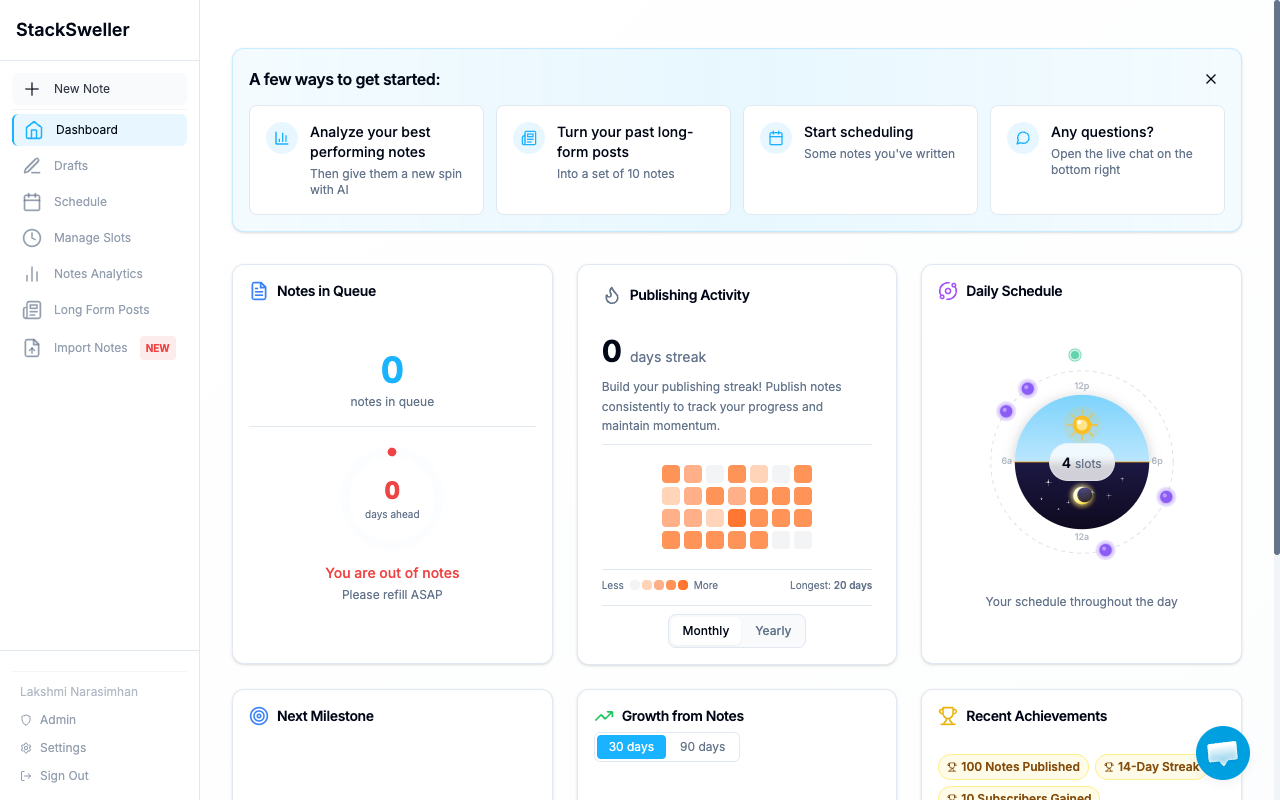
Dashboard widgets
Notes in Queue
Shows upcoming notes in your schedule. Alerts you (“You are out of notes — Please refill ASAP”) when your queue runs dry.
Publishing Activity
Heatmap of your recent publishing history. See Streak & milestones for details.
Daily Schedule
An orbit visualization showing when your publishing slots fire throughout the day.
Next Milestone
Tracks your next key goal — subscriber count, notes published, streak length.
Growth from Notes
Charts your follower/subscriber growth over time.
Recent Achievements
Gamified badges for publishing milestones (first note, 10-day streak, etc.).
Notes Analytics
For per-note performance data (likes, comments, restacks, subscriber growth), go to Notes Analytics in the sidebar.
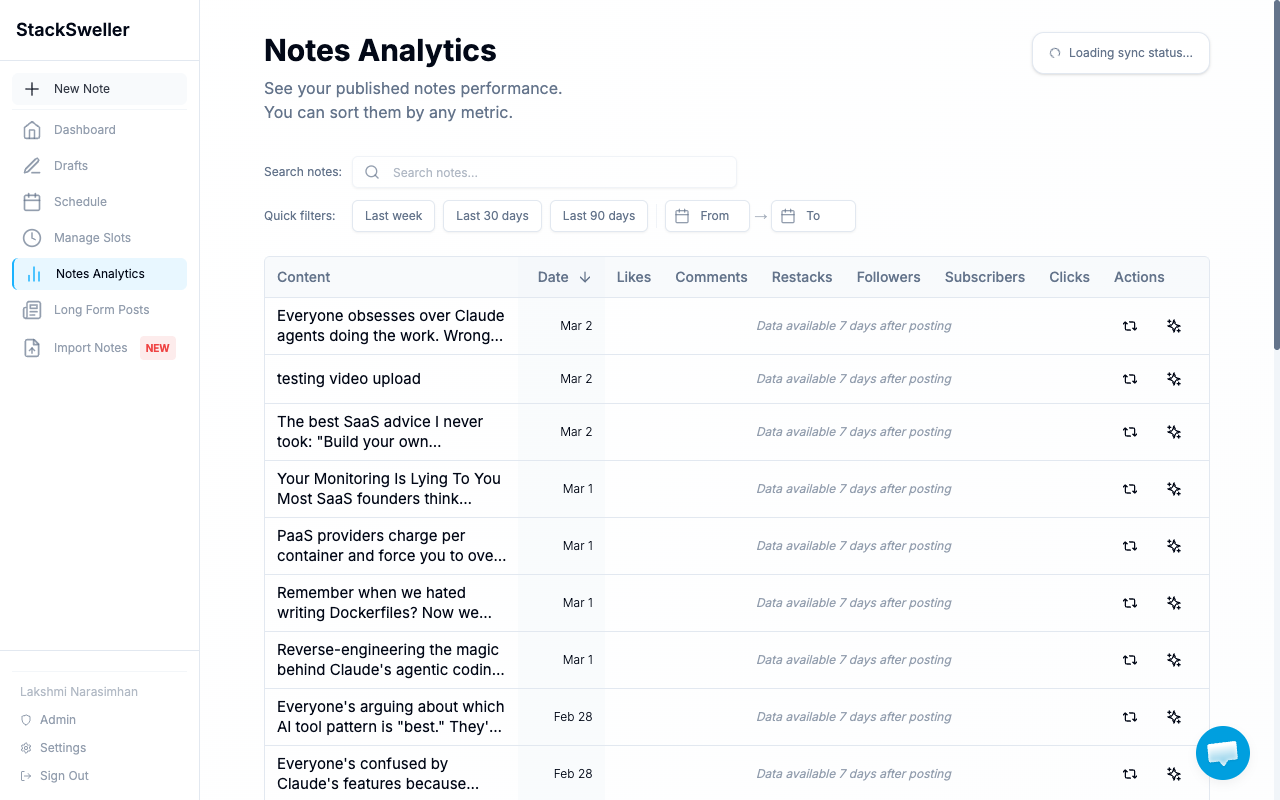
Syncing data
Analytics data syncs from Substack periodically. Click the sync button in Notes Analytics to force a refresh.