Export your data
You own your content. StackSweller lets you export all notes and posts at any time from the Settings page.
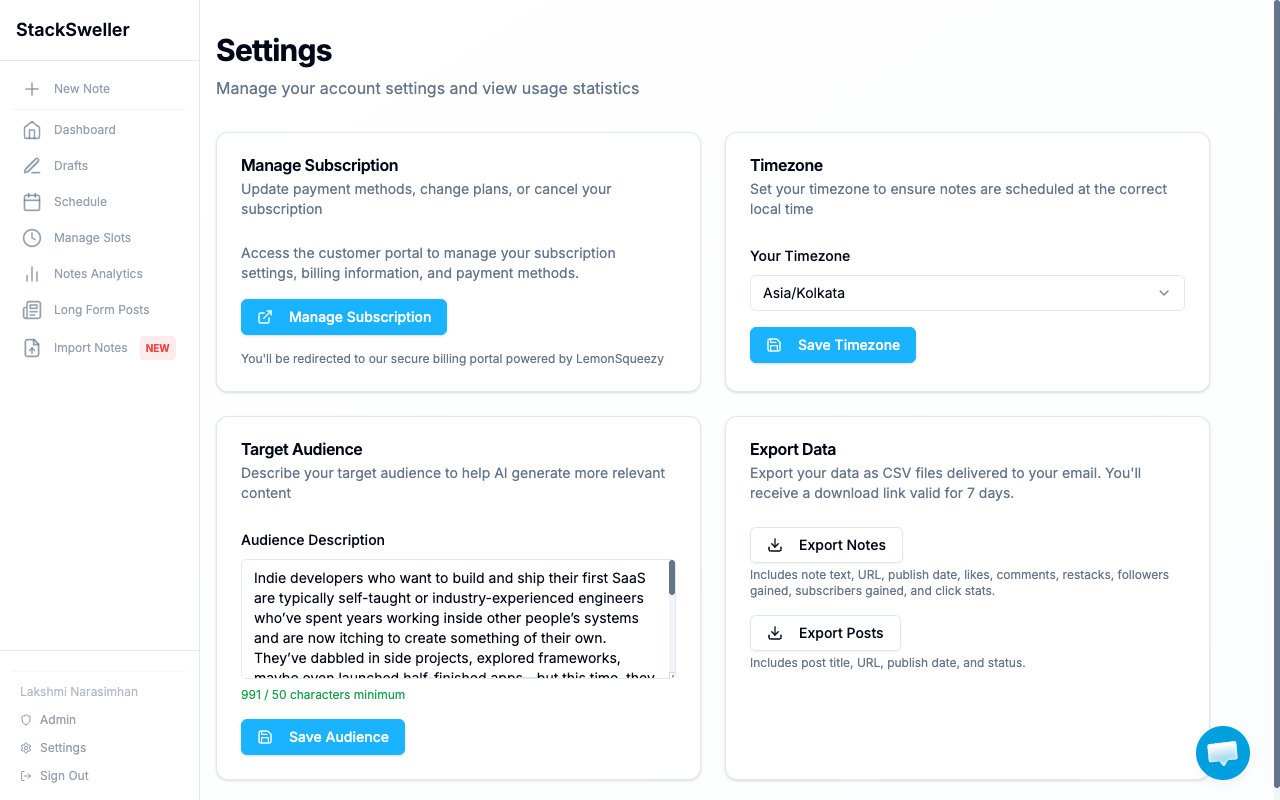
How to export
- Go to Settings
- Find the Export Data section
- Click Export Notes or Export Posts
- StackSweller sends a download link to your email (valid for 7 days)
What’s included
Export Notes
Notes with: text content, URL, publish date, likes, comments, restacks, followers gained, subscribers gained, click stats.
Export Posts
Posts with: title, URL, publish date, and status.
Format
Exports are delivered as CSV files — compatible with Excel, Google Sheets, and most data tools.