Plans & pricing
StackSweller offers plans for writers at different stages of growth. All plans include a free trial.
Manage your subscription
Go to Settings and click Manage Subscription to:
- View your current plan and billing date
- Upgrade or downgrade
- Cancel your subscription
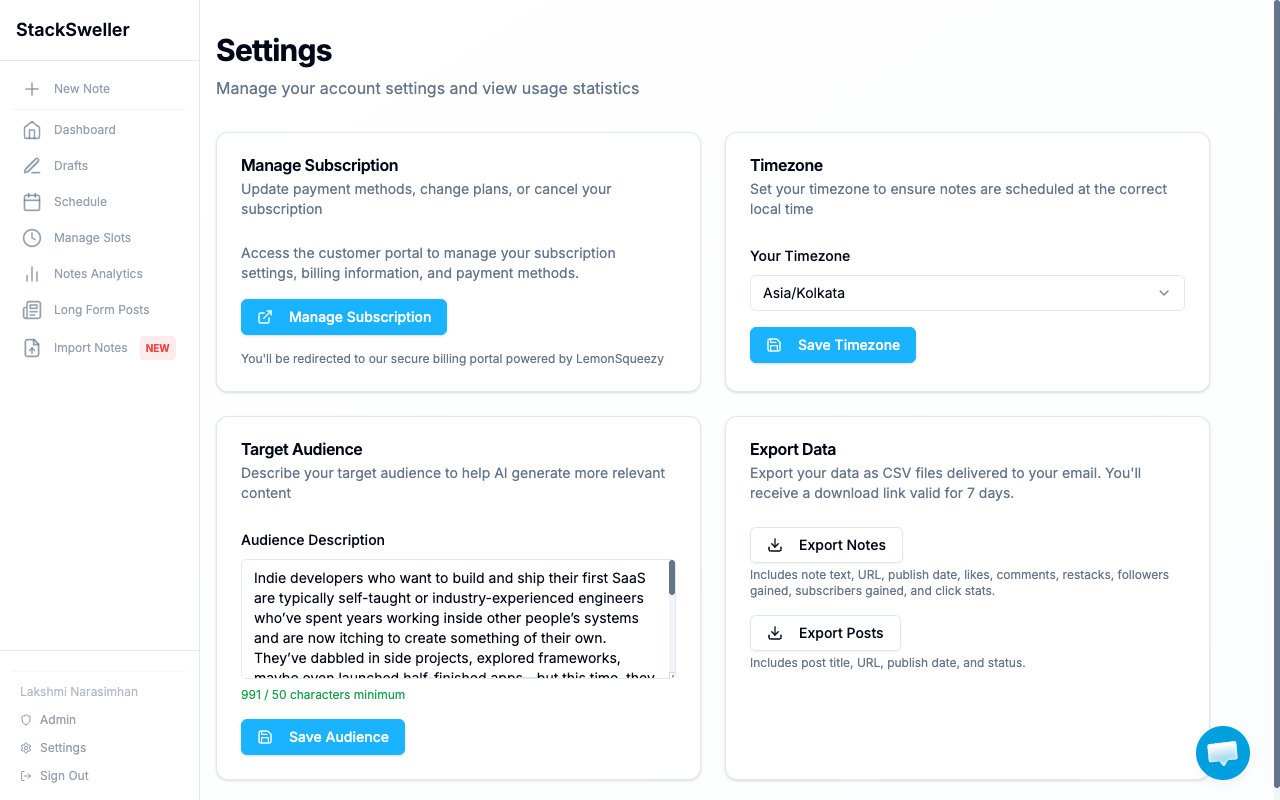
You’ll be redirected to the secure billing portal powered by LemonSqueezy. StackSweller never stores your card details.
What’s included in every plan
- Unlimited manual note creation
- Notes Hub (Drafts, Scheduled, Published)
- Notes Queue and slot-based scheduling
- Substack sync and analytics
- Export data
Plan differences
Plans differ primarily in:
- AI generation credits per month
- Number of scheduling slots
- Access to advanced features (MCP integration on higher plans)
Visit stacksweller.com/pricing for the current plan comparison and pricing.
Upgrade
Upgrading takes effect immediately. Your new AI credit limit applies at once.
Cancel
Cancellation takes effect at the end of your current billing period. You keep full access until then.
ℹ️ Note
Cancelling does not delete your notes, slots, or data. Resubscribing restores full access to everything.
Billing issues
Email lakshmi@stacksweller.com with your account email for invoice requests, refunds, or billing errors.